Free course guide
Your free course — step by step
Getting in takes about 3 minutes. All you need is an email address you can open right now.
Download this guide as a one-page PDFGetting in takes about 3 minutes. All you need is an email address you can open right now.
Download this guide as a one-page PDFGo to wendelconsult.com. Pick Safety Core or Safety Leadership and click the button.
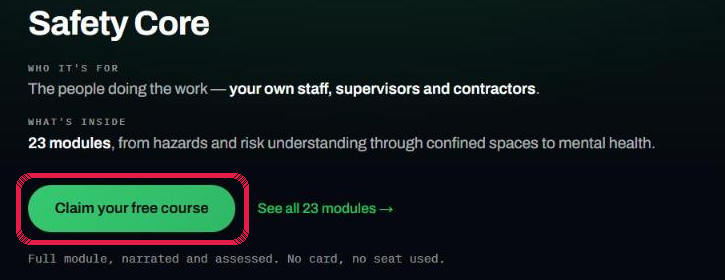
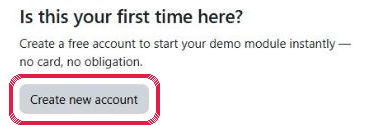
First time here? Click the grey button. Been here before? Type your email and password and click Log in.
Type your email twice and make up a password. The password needs 8 characters with a capital letter, a small letter, a number and a sign such as - or #. Then click Create my new account at the bottom.

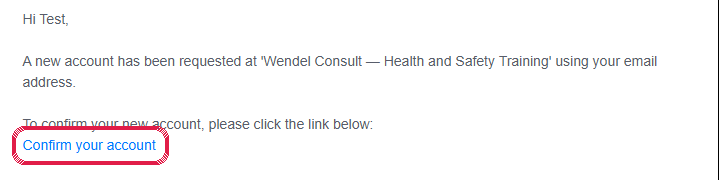
Find the mail from Wendel Consult and click Confirm your account. No mail after 5 minutes? Look in spam or junk.
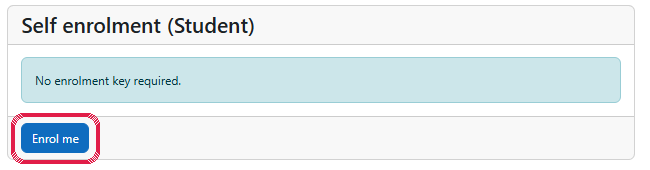
The course page opens. Click the blue Enrol me button. It is free.
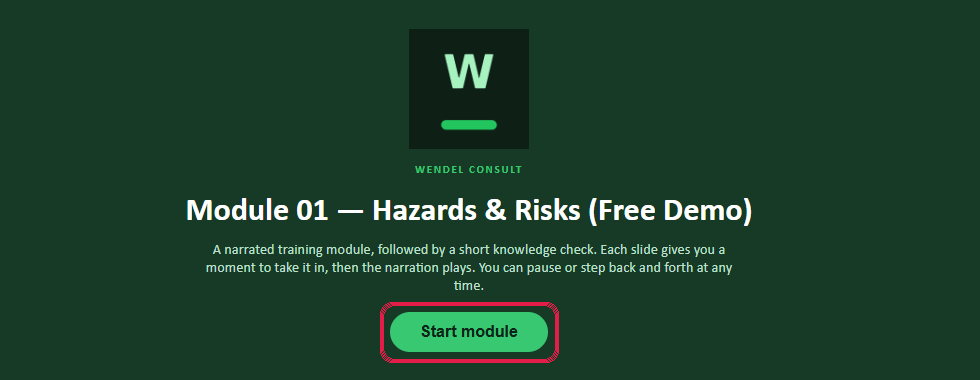
The module plays with sound. Can’t see the buttons under the slide? Scroll down a little.
Answer 6 of 7 right and you are done. If you would like a call about the courses, click Leave your number. That is optional.

Write to bo@wendelconsult.com and say where you got stuck.
Go to trial.wendelconsult.com and log in with your email and password.